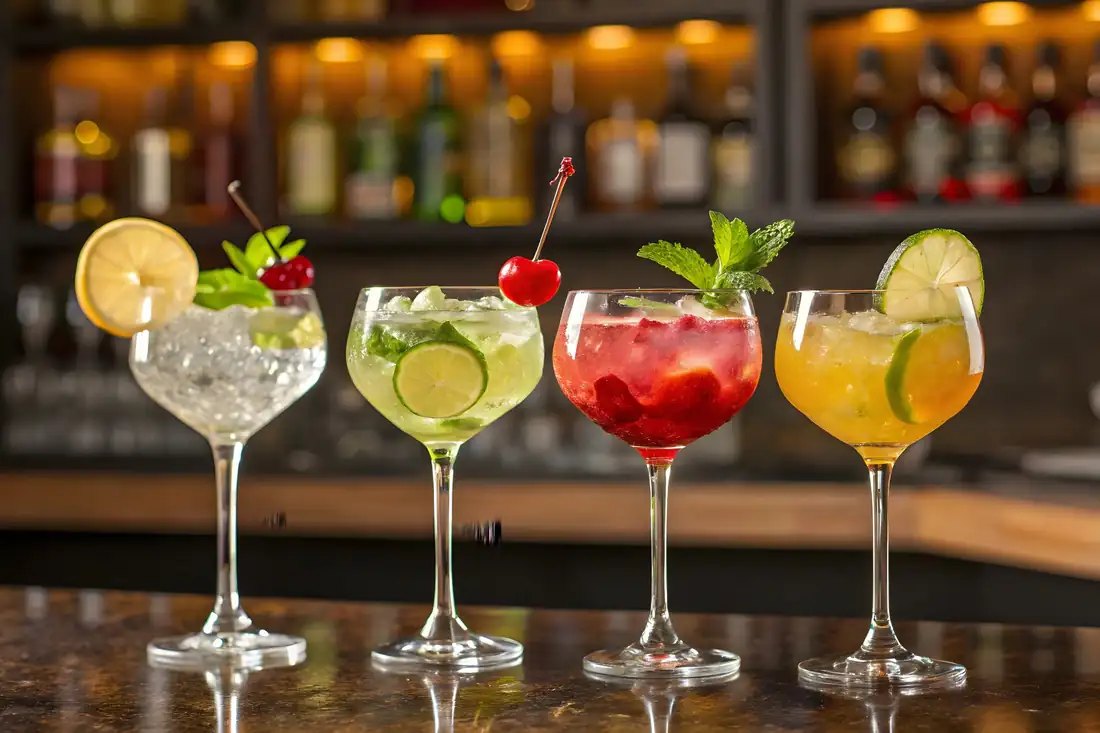
The guest orders.
The bar knows right away.
Kerasma puts your drinks menu on the tablet at the table. Guests order for themselves, and the order appears at the bar instantly, on your team’s phone, tablet or PC. For cocktails, the recipe is right there too.
Developed in Stuttgart. Data on servers in Germany.
For every venue where guests order at the table
Kerasma suits anyone who serves drinks and wants to serve guests faster.
- Bars
You put a tablet on each table. Guests order there, and the cocktail appears at the bar straight away with its recipe.
- Inns
Every table gets a tablet with your drinks menu. The order appears right at the tap.
- Wine cellars and wine venues
Your guests order wine on the tablet at their table. You capture your bottles simply with a label photo.
- Seasonal wine taverns
Even if you mainly pour your own wine: a tablet on the table, and orders arrive without paper slips or shouting.
What an evening with Kerasma looks like
Three steps, no paper slips, no shouting across the room.
-
The guest orders from their seat
On the tablet at the table they browse your menu. If nothing catches their eye, they describe what they feel like, and the AI suggests a drink from your inventory.
-
The bar sees it
The order appears instantly with a sound, and with the recipe for cocktails – on the phone, tablet or PC behind the bar.
-
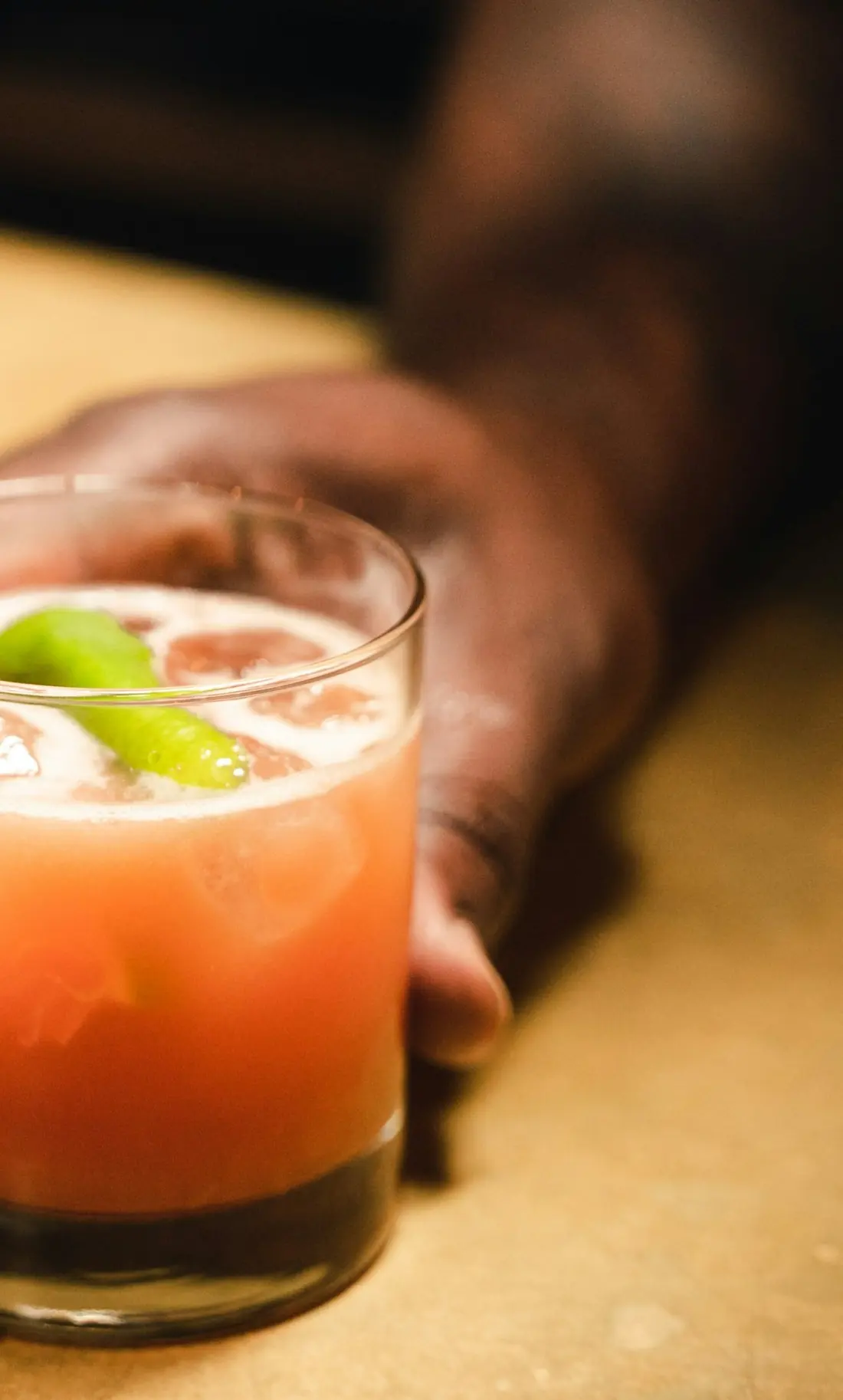
The drink arrives
Your team mixes it, marks the order as done and brings the drink to the table.
What’s on the menu
Everything Kerasma can do – served like a drinks menu.
- Guest tabletfor the table
Your menu with cocktails, wines and drinks, with pictures, prices and categories. Guests see how far their order has got: received, being prepared, ready. Order mode can only be exited with the staff PIN, and after 3 minutes without use the menu starts over.
- Wine by the glass or bottlewith their own prices
One wine, several sizes, for example 0.1 l, 0.25 l or the 0.75 l bottle, each with its own price. The menu shows the lowest price, for example “from €3.50”. When a guest taps the wine, all sizes appear with their prices. Guests see vintage, grape variety, taste, winery, wine region and quality level.
- Info texts for the guestson everything on the menu
For every item, guests can unfold “More about this drink / wine”. For cocktails they read origin, history, taste and a fitting occasion; for wine, the text about the bottle. New items get their text automatically when they are created.
- Drinks on requestfrom your inventory
Guests describe what they feel like, or mix their own drink from the bottles on hand. The AI only suggests drinks from the bottles your venue really has. Mixing your own and the AI suggestion can be switched off, for example for a wine venue.
- Live to the barphone, tablet, PC
Every order reaches your team instantly with a sound and the table, and with the recipe for cocktails. Your team accepts it, marks it as ready and then as served.
- Bottles by photowhole rows of shelves
Capture your stock quickly instead of typing in every bottle, and add new deliveries with a photo. Photograph the label and the AI fills in the details – even several photos in one go.
- Your own menuclassics and house creations
Take classics from the list of 42 standard cocktails; the app shows which ones you can mix with your inventory. You create your own drinks and house creations yourself, and the AI writes cocktail recipes on request. You put a wine on the menu from your inventory with one tap and only enter the prices. Unavailable bottles are hidden from guests.
- Team and devicesboss and bartender
Every staff member has their own PIN. The boss can do everything; the bartender handles orders, bottles and recipes. You can see logged-in devices and sign them out remotely.
- Works everywhereAndroid, Windows, iPhone, iPad
As an app on Android and Windows. On iPhone and iPad, Kerasma runs in the Safari browser: tap “Add to Home Screen”, no App Store needed. All on the devices you already have.
Photos come with most of the standard cocktails, for example these four.
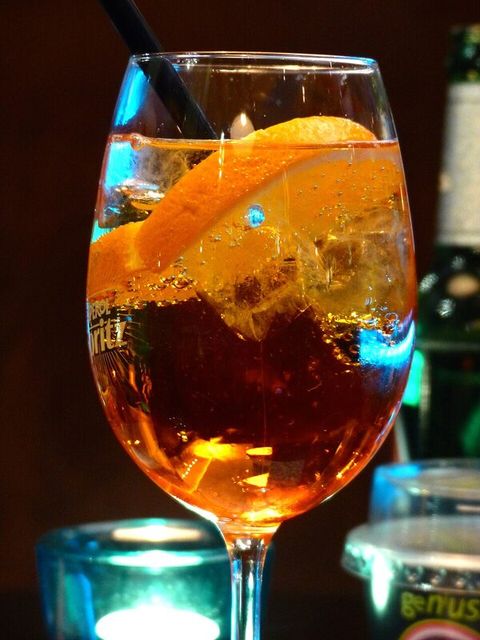
Aperol SpritzPhoto: Geolina163 · CC BY-SA 4.0 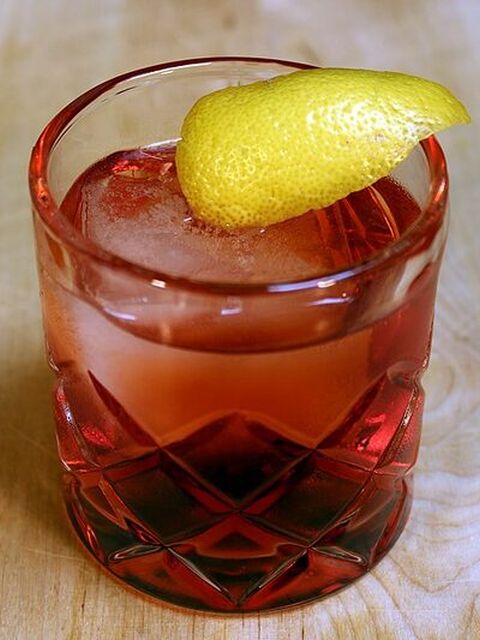
NegroniPhoto: Will Shenton · CC BY-SA 3.0 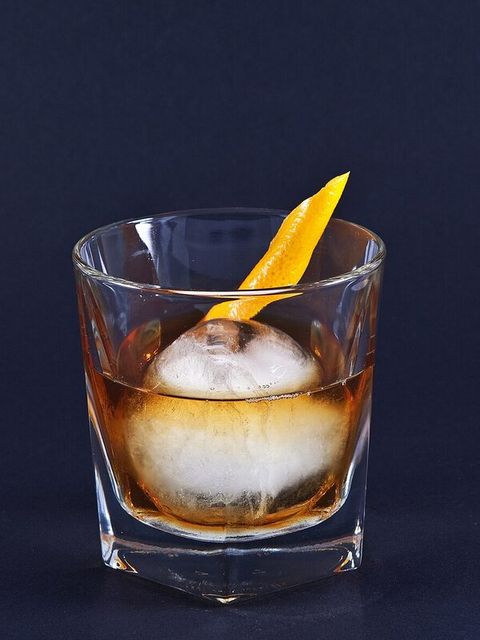
Old FashionedPhoto: Erich Wagner (www.eventografie.de) · CC BY-SA 4.0 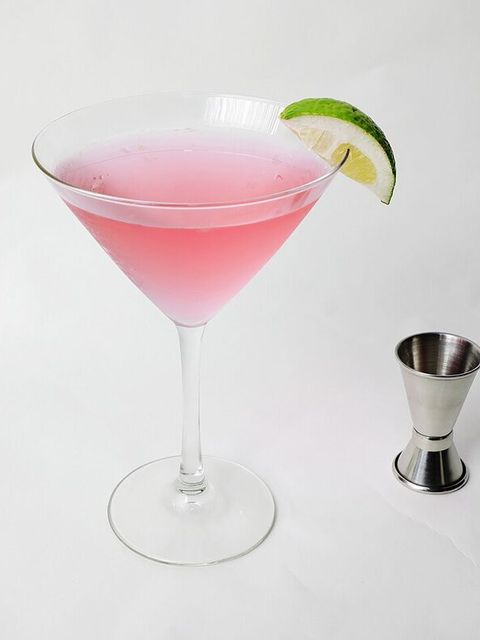
CosmopolitanPhoto: CrystalMixer - CrystalMixer.com · CC BY 4.0
All photo credits: photographers, licences and sources
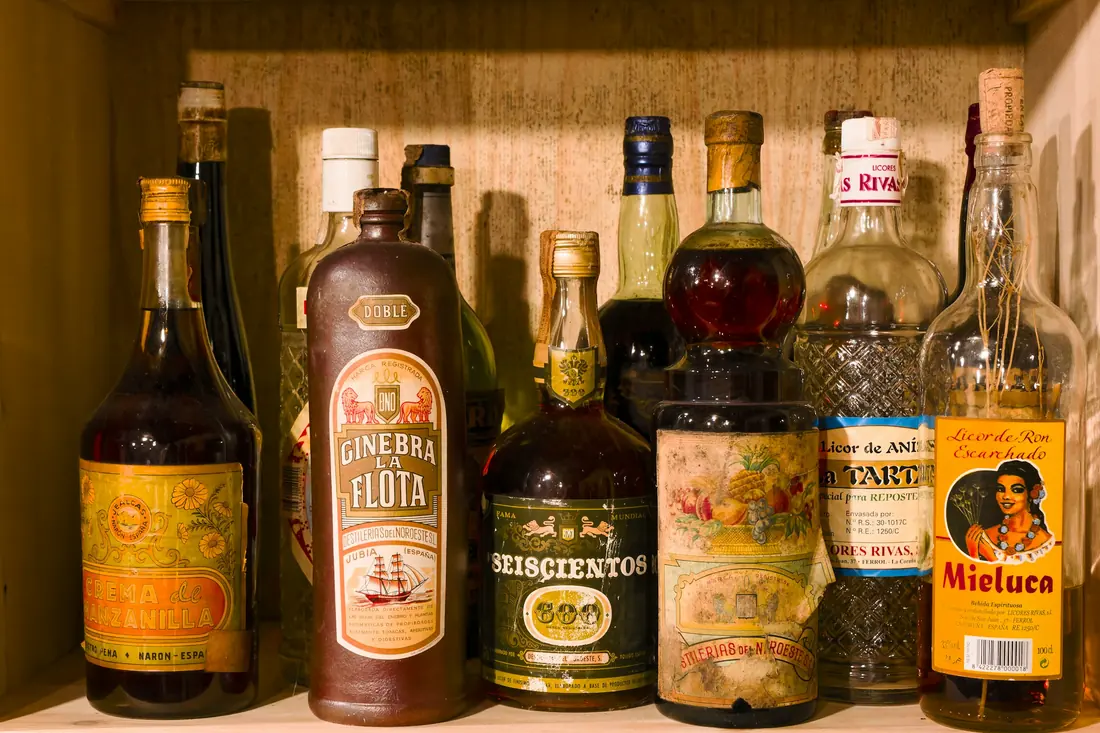
The camera captures your inventory
For spirits, one photo of the label is enough; for wine you take two: front and back. The AI reads the details, you just check and save.
Label recognised
- Name
- Ginebra La Flota
- Category
- Gin
- Origin
- Spain
Illustrative example. For wine, the AI also reads vintage, grape variety, winery, wine region, quality level and taste. It adds size, alcohol content and other details if they appear on the label.
- Many photos at once: capture whole rows of shelves in one go. The app automatically assigns back labels to the front label before them.
- Info on every bottle: tap a bottle to see all its details and a text on origin, taste and matching food or drinks. The AI researches this on the web, for example on the winery’s website. Guests see this info too: for wines on the menu, in the ingredients of a cocktail and when mixing their own.
- Basis for the menu: The AI suggestions for guests are based on this inventory.
Frequently asked questions
Which kinds of venue is Kerasma for?
For bars, inns, wine cellars and wine venues as well as seasonal wine taverns (Besenwirtschaften) – anywhere guests order at the table and drinks are poured or mixed at the bar.
Which devices do I need?
For guests, a tablet at the table. At the bar, a phone, a tablet or a PC is enough. Kerasma runs as an app on Android and Windows, and on iPhone and iPad in the browser (Safari, no App Store) – so usually on devices you already have.
How do orders reach the bar?
Every order appears instantly with a sound on the device at the bar, with table, drink, quantity and recipe. Guests see on their tablet how far their order has got.
Where is my venue’s data stored?
On our servers in Germany. The fonts are embedded locally, so there are no requests to Google. Each venue sees only its own bottles, menus and orders.
Can guests leave order mode?
No. The guest tablet can only be exited with the staff PIN. After 3 minutes without use, the menu automatically starts over.
Do I have to type in every bottle by hand?
No. You photograph the label and the app fills in name, category, alcohol, volume and origin. For wine, two photos (front and back) also capture vintage, grape variety, winery, wine region, quality level and taste.
Are cocktails already included?
Yes, 42 standard cocktails. The app shows you which ones you can mix with your stock. The recipe comes with every order.
What does Kerasma cost?
The price depends on the size of the venue and the number of devices. We will tell you in the free introductory call. Kerasma can be cancelled monthly.
Become one of the first Kerasma venues
We are starting with selected venues in Stuttgart and the region. As a pilot venue you get a personal setup, and your wishes feed directly into development.
- On-site setup, we capture your bottles together
- Support straight from the developer
- Cancel monthly
κέρασμα
Greek for a round on the house.
Hospitality without waiting – that is why we built Kerasma.Let’s talk about your venue
Call, send an email or use the form. We usually reply the same day.